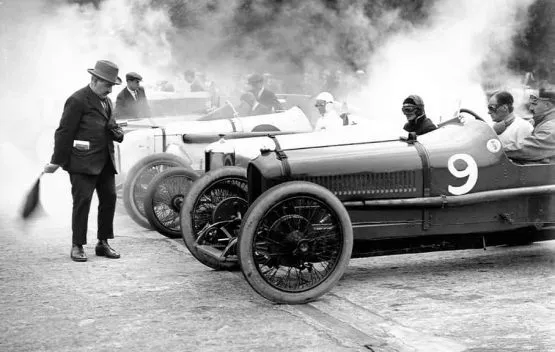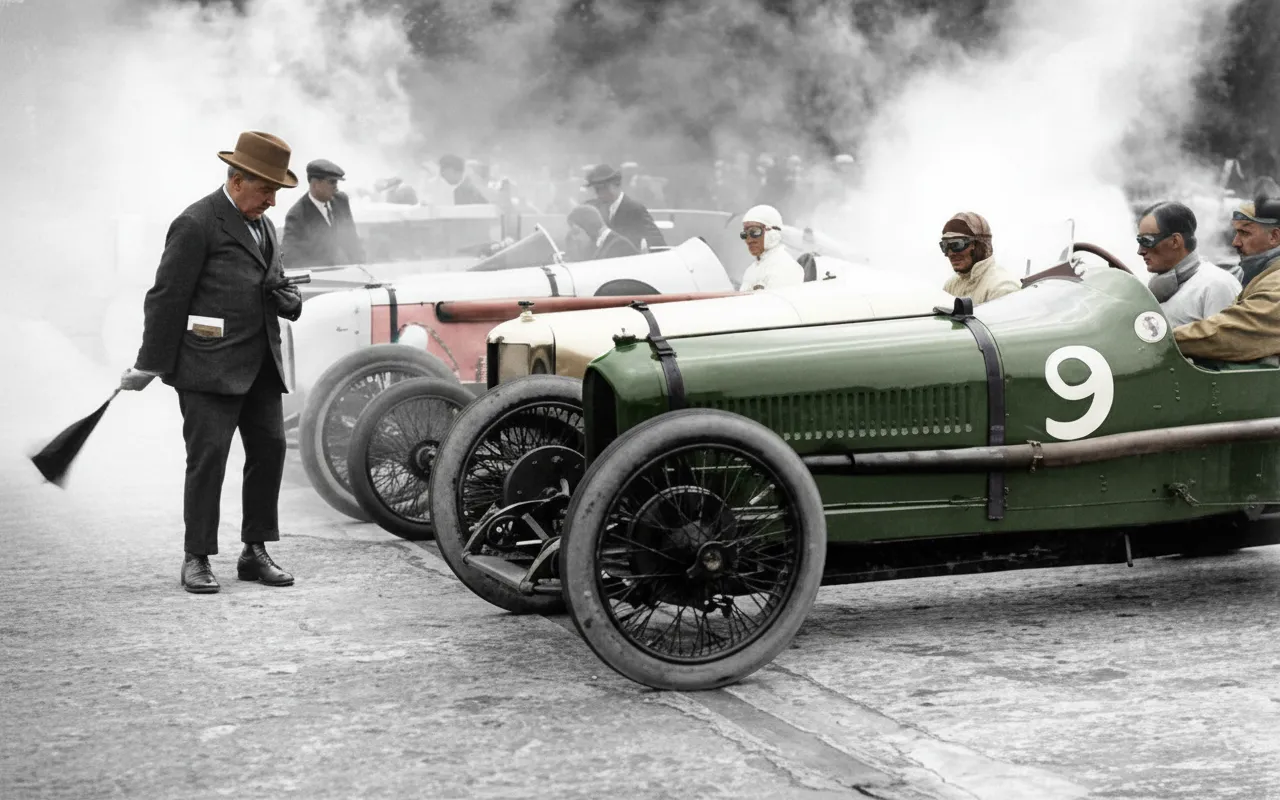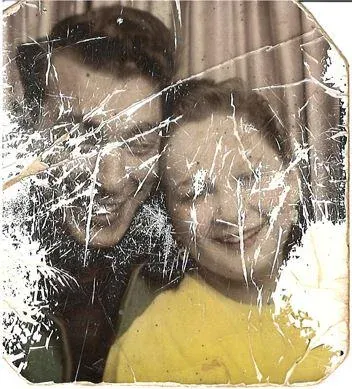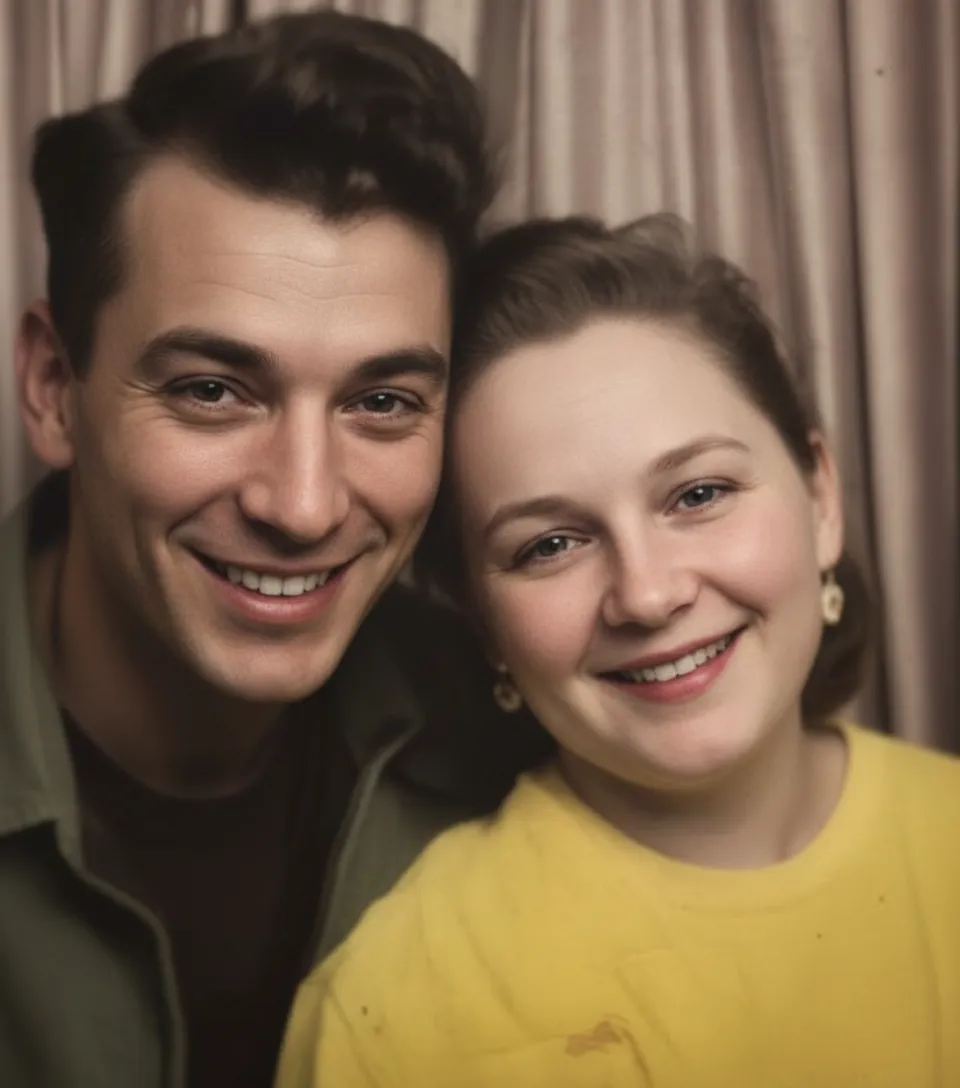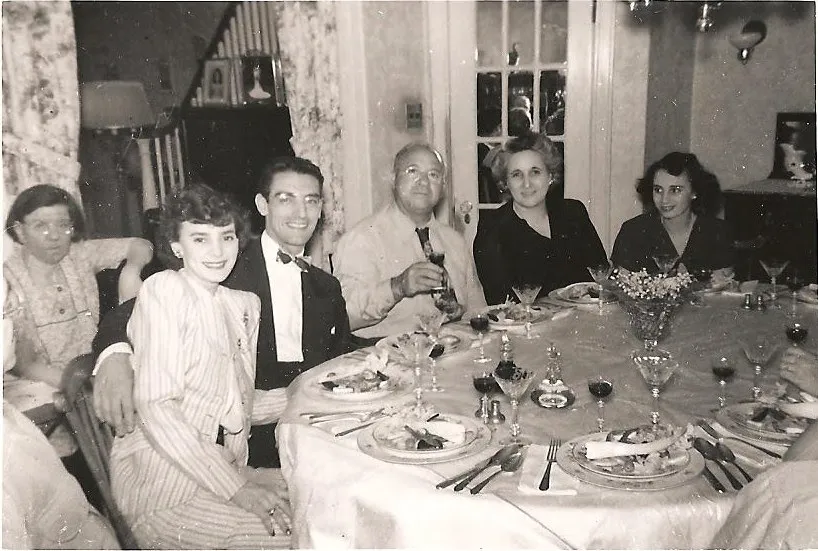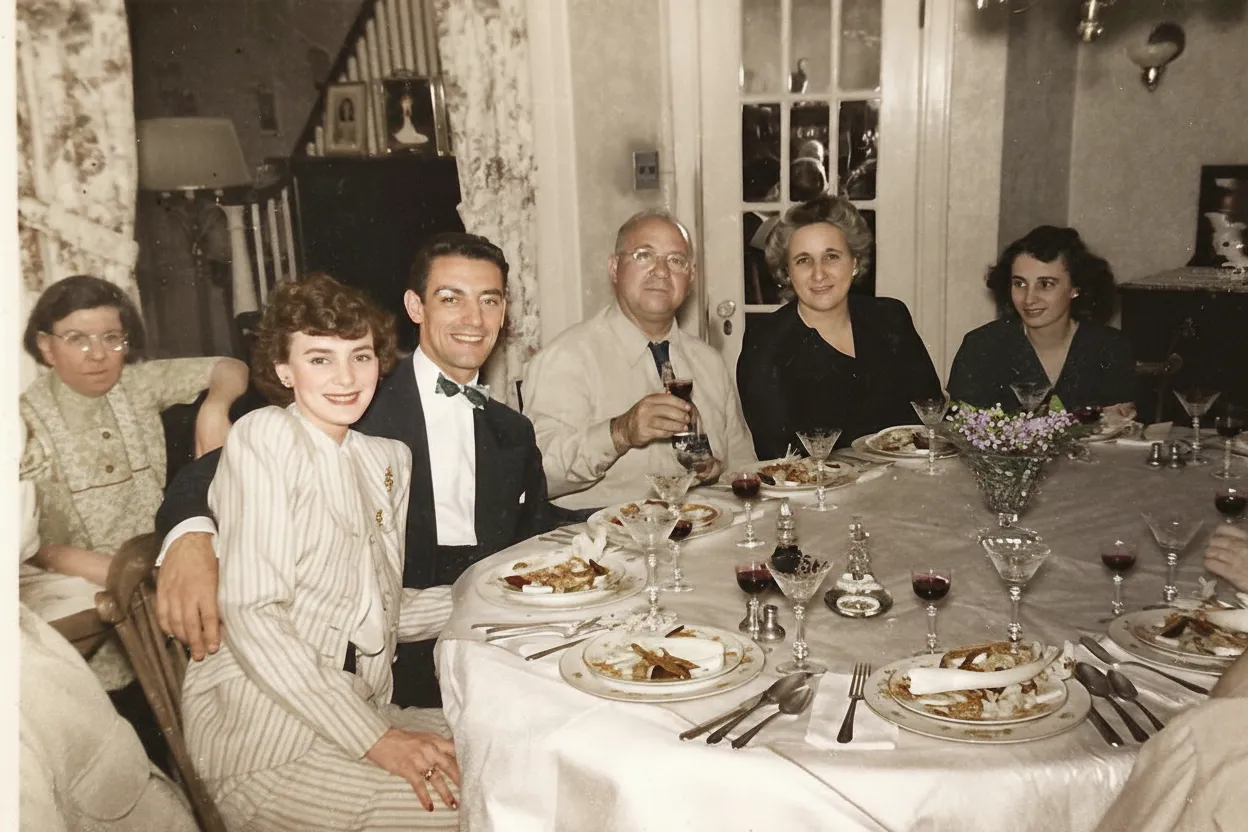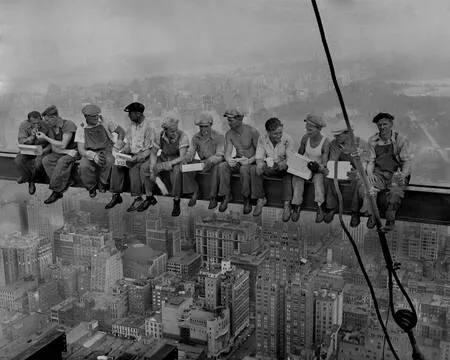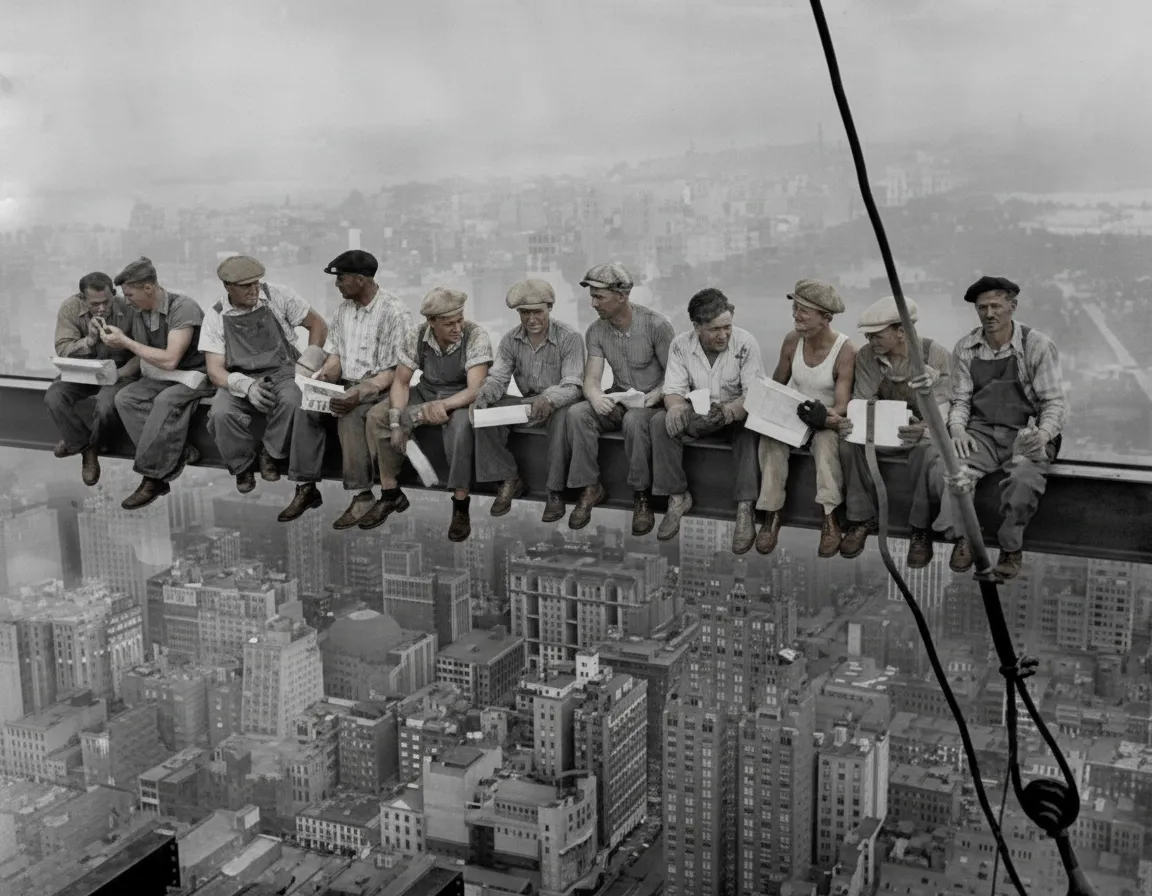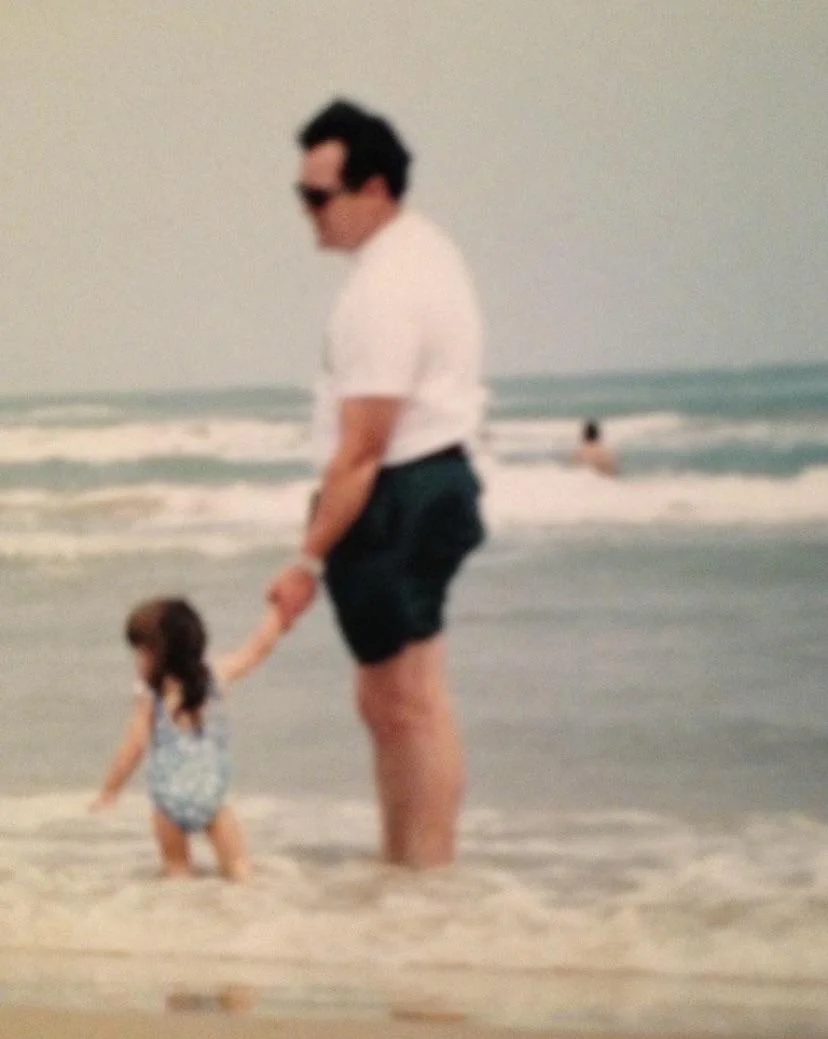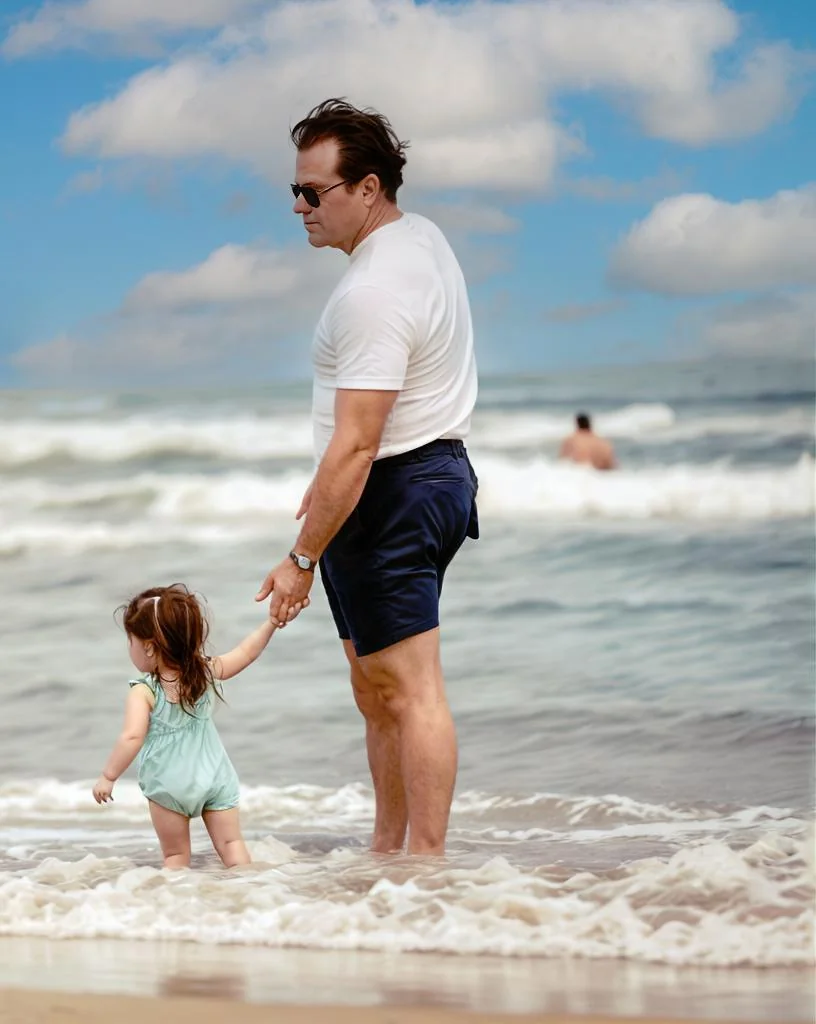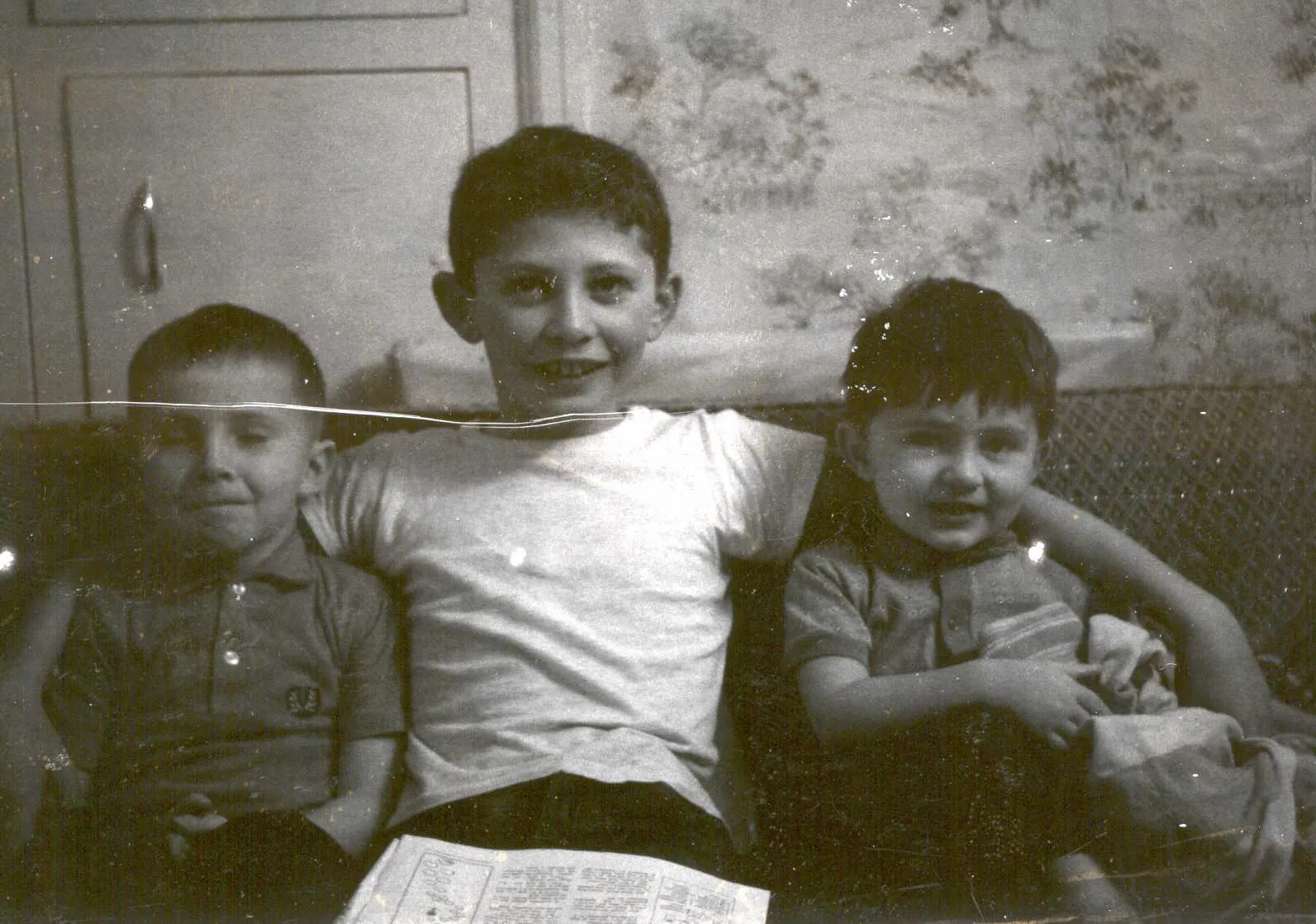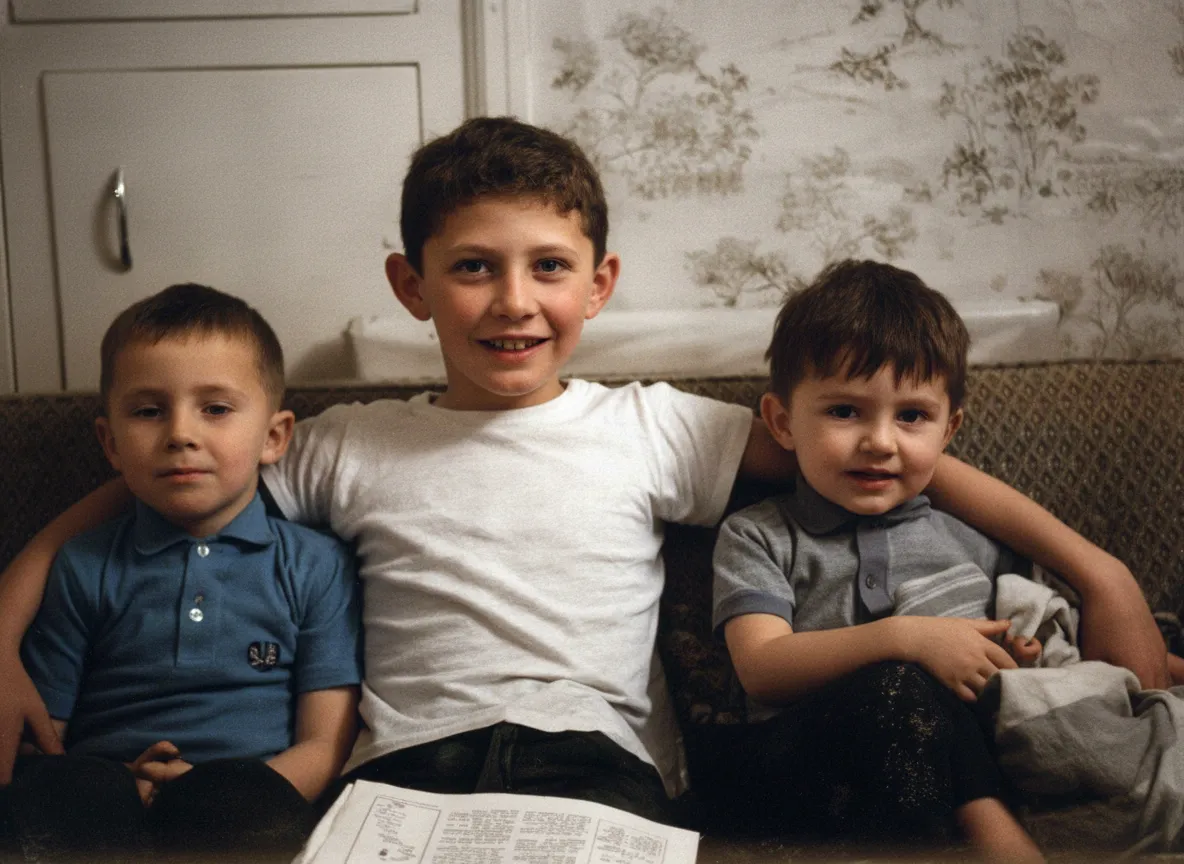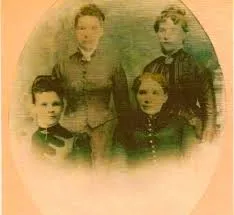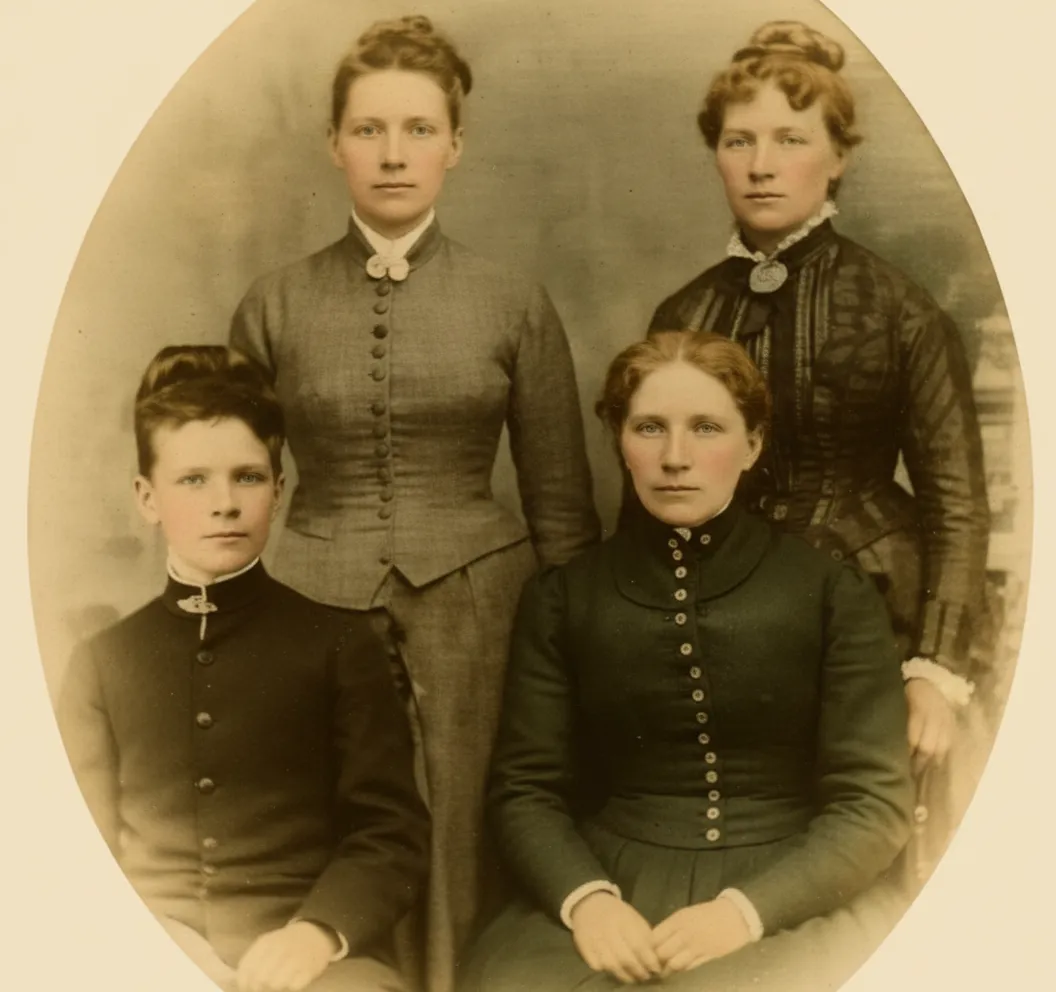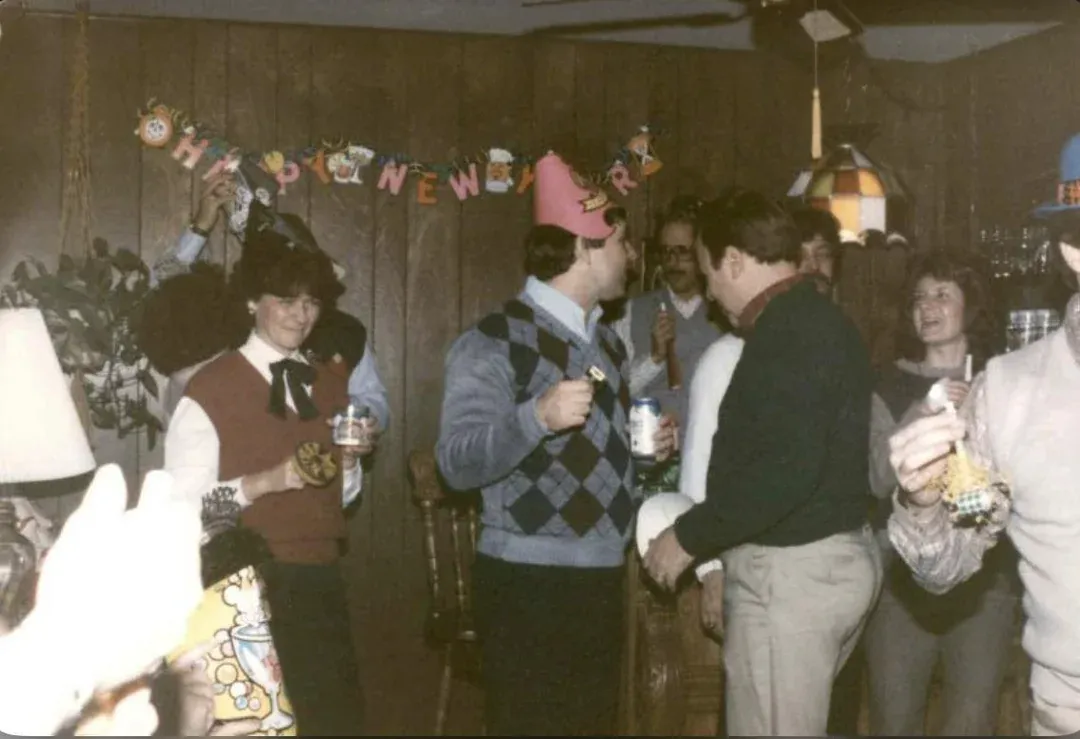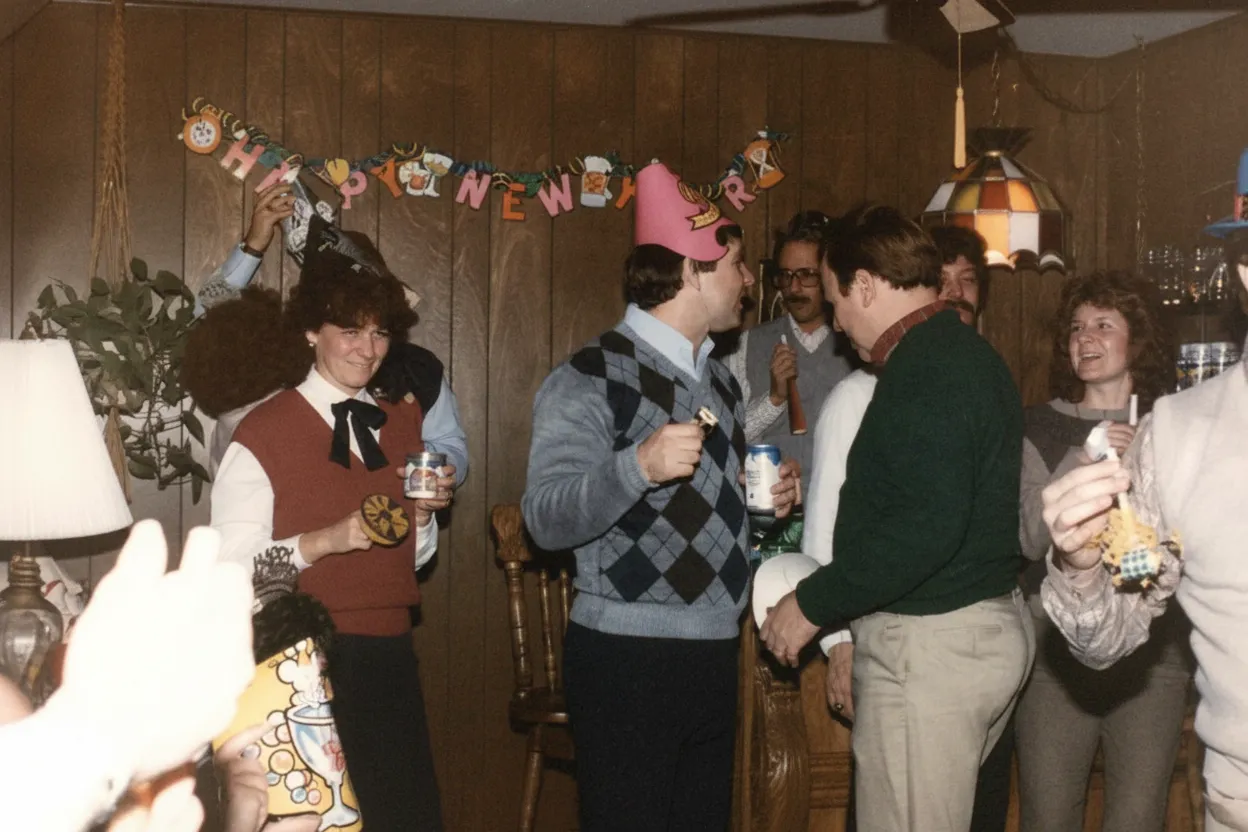

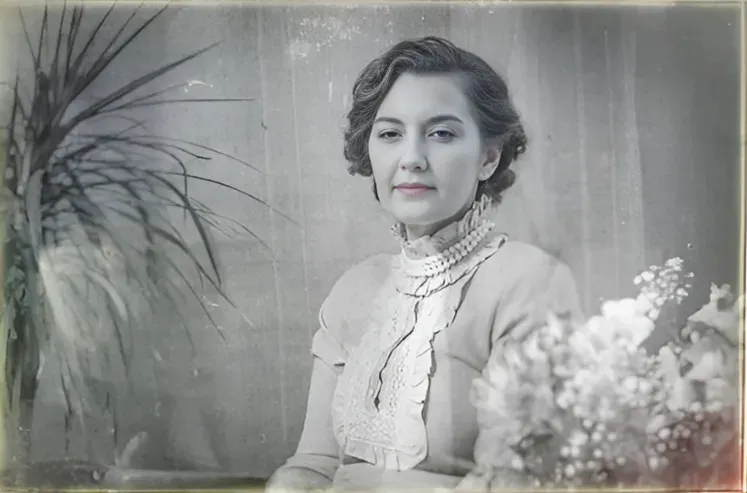

“My grandma cried when she saw her wedding photo restored. Absolutely incredible.”
Maria K.

“Uploaded a blurry photo from the 70s and got back a crystal clear image. Like magic.”
James T.

“Finally recovered old family photos I thought were lost forever. So easy to use.”
Sarah M.
Why restore old yearbook photos?
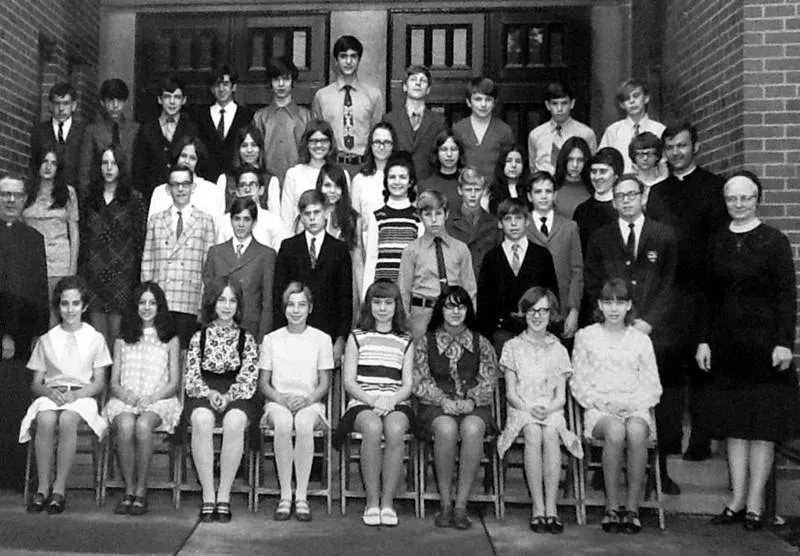
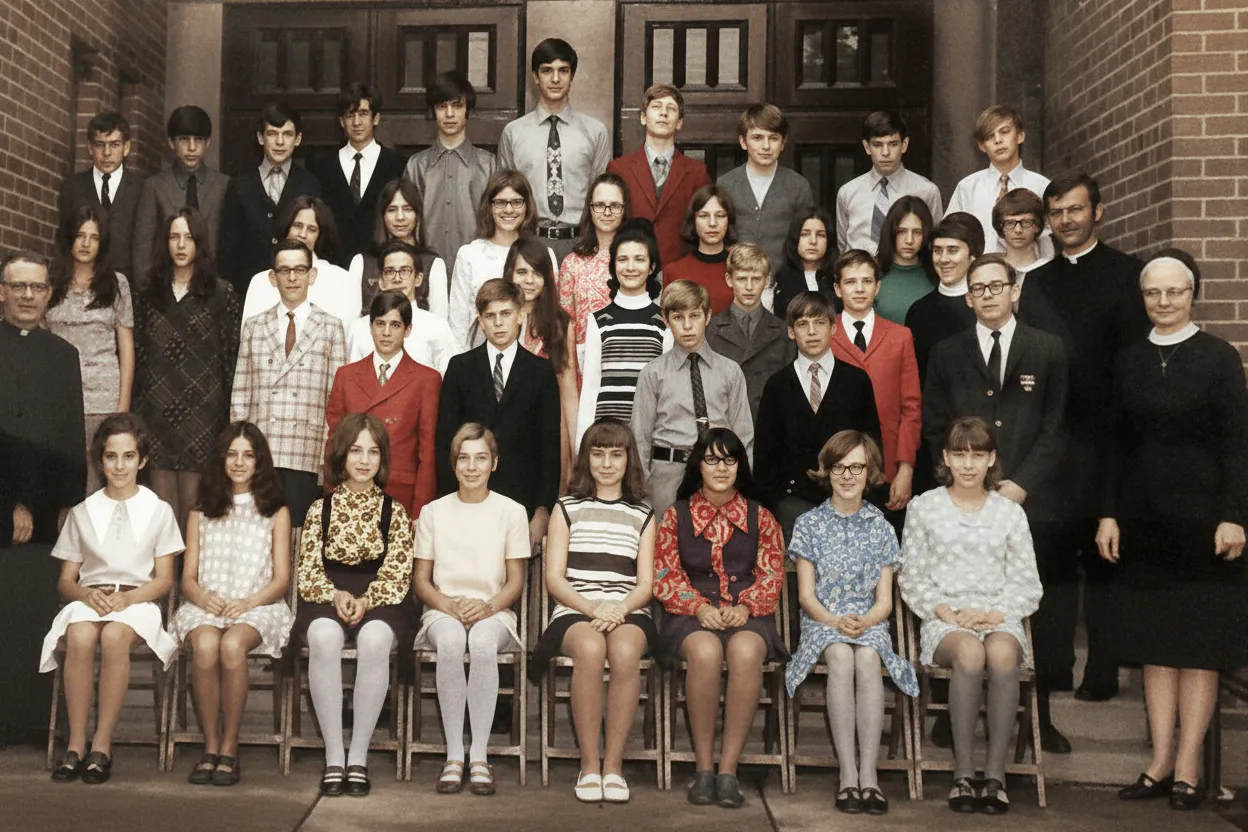
Yearbook photos are often tiny portraits printed on cheap paper that yellows and fades over decades. AI restoration can extract surprising detail from these small images, producing clear, enlarged portraits that let you see your school years with fresh eyes.
- Enlarge and enhance tiny yearbook portraits to full-size photos
- Fix yellowing, fading, and degradation from old yearbook paper
- Prepare nostalgic content for school reunions and "then and now" posts
- Create a digital collection of yearbook photos before books fall apart
How it works
3 simple steps.
AI Restoration
See your yearbook photos in full clarity.
Yearbook photos are often small and printed on low-quality paper. Our AI enhances resolution, sharpens details, and restores the original quality hidden in these tiny portraits.
- ✦Enhances small, low-resolution yearbook portraits
- ✦Restores facial details from faded prints
- ✦Fixes discoloration from aged yearbook pages
Easy to Use
Upload. Restore. Reminisce.
Scan your yearbook page or photograph it with your phone. Upload the portrait and download a restored, enlarged version in seconds.
- ✦Works with scanned yearbook pages
- ✦Results in seconds, not hours
- ✦Download in full resolution
For Reunions
Make your next reunion unforgettable.
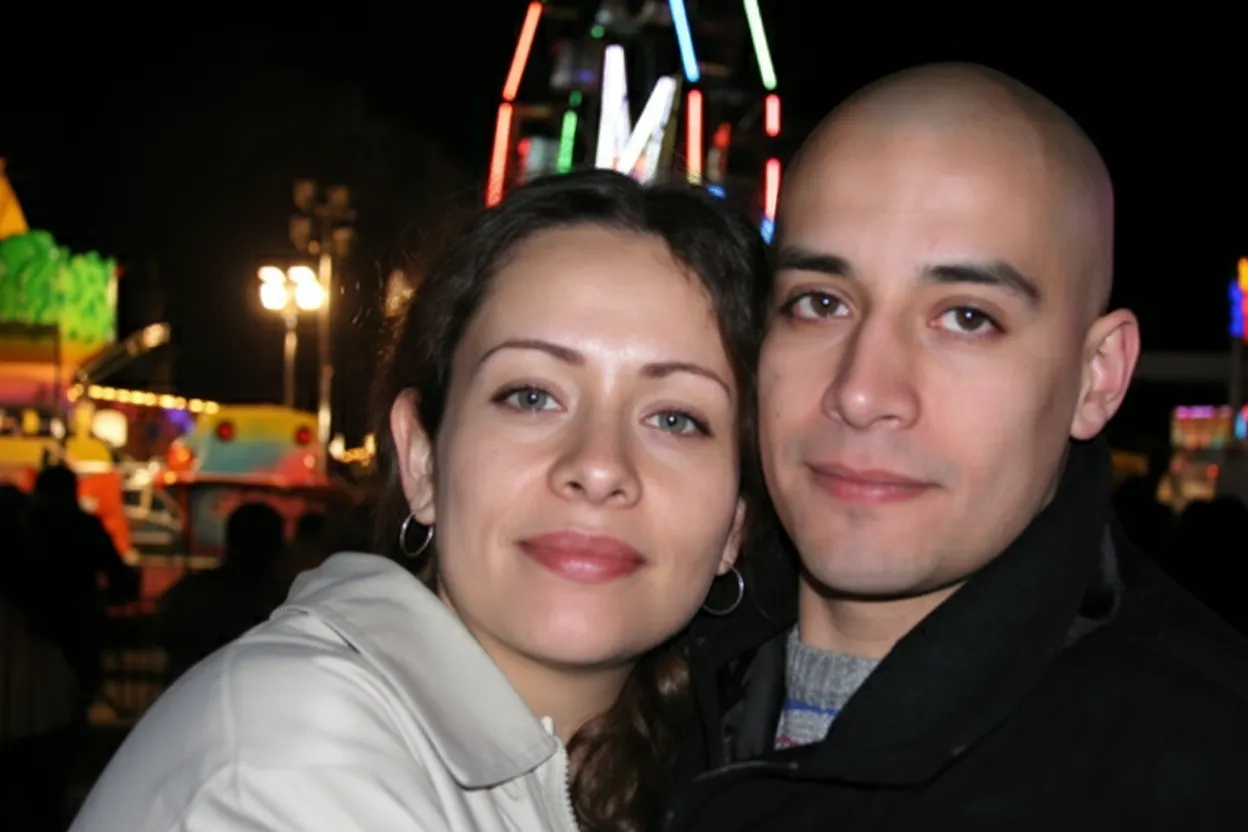
Restored yearbook photos are perfect for reunion slideshows, "then and now" comparisons, and nostalgic social media posts. See old friends in a new light.
- ✦Create "then and now" reunion comparisons
- ✦Perfect for reunion slideshows and events
- ✦2 free restorations per account
In-depth guide
The complete guide to restoring old yearbook photos
Yearbook photos are unique among personal photographs because they were printed in bulk using offset or digital printing, typically on medium-grade paper that was never designed for long-term archival preservation. Over decades, yearbook pages yellow, become brittle, and develop foxing (brown spots from mold and oxidation). The photos printed on these pages degrade along with the paper, losing contrast and sharpness even if the underlying image was well-exposed.
The biggest challenge with yearbook photo restoration is the small print size. A typical yearbook portrait is roughly 1x1.5 inches, barely larger than a postage stamp. At this size, facial details like eyes, mouth, and hair are represented by very few printed dots. When you scan at 300 DPI, you get an image of only 300x450 pixels, which is too small for meaningful restoration. Scanning at 900-1200 DPI transforms the same tiny portrait into a 900x1350 or 1200x1800 pixel image, giving the AI dramatically more detail to work with.
Yearbook photos from different decades have distinct visual characteristics. The 1950s and 1960s featured formal black-and-white portraits with dramatic lighting. The 1970s introduced more casual poses and early color printing, which has often shifted to magenta or yellow over time. The 1980s and 1990s brought brighter, more saturated color printing but on paper that degrades quickly. Each era requires slightly different restoration emphasis, and our AI adapts automatically based on the image characteristics.
School reunions are the most popular reason for restoring yearbook photos. "Then and now" comparisons, pairing a restored yearbook portrait with a current photo, are a reunion staple that everyone enjoys. Social media posts featuring restored yearbook photos consistently get high engagement because they tap into nostalgia. For reunion organizers, restoring an entire class page and creating a slideshow is a project that brings people together before the event even starts. Our Family plan provides enough credits to restore an entire graduating class.
Expert tips
Tips for restoring yearbook photos
Scan at 900-1200 DPI for tiny portraits
Yearbook portraits are very small. The higher the scan resolution, the more facial detail the AI has to work with. The difference between 300 and 1200 DPI is dramatic for yearbook-size photos.
Flatten the yearbook spine before scanning
Yearbook pages near the spine curve inward, causing distortion and uneven focus. Gently flatten the page against the scanner glass, or place a heavy book on top while scanning.
Crop to individual portraits before uploading
The AI works best on a single face per image. After scanning a full yearbook page at high resolution, crop to individual portraits and upload each one separately.
Use the same yearbook for all classmates
For reunion projects, designate one yearbook in the best condition as the scanning source. Consistent source quality produces the most uniform restoration results across all portraits.
Pricing
Simple, one-time pricing.
No subscriptions. Pay once, use your credits anytime.
One-time payment
Starter
$0.50 / credit
Perfect for trying it out on a few precious photos.
- 10 Credits Included
- Restore 10 Photos
- High-Resolution Output
- Credits Never Expire
- Free Digital Frames
- 30-Day Money-Back Guarantee
One-time payment
Pro
$0.50 / credit
For restoring a small album of memories.
- 30 Credits Included
- Restore 30 Photos
- High-Resolution 1080P Output
- Credits Never Expire
- Free Digital Frames
- 30-Day Money-Back Guarantee
One-time payment
Family
$0.13 / credit
Save 74% per credit
Restore your entire family photo collection.
- 150 Credits Included
- Restore 150 Photos
- High-Resolution 1080P Output
- Credits Never Expire
- Free Digital Frames
- 30-Day Money-Back Guarantee
Prices don't include VAT.
FAQ
Frequently asked questions
Can AI really restore tiny yearbook photos?
Yes! Our AI enhances small, low-resolution images by recovering and sharpening facial details. The key is scanning at high resolution (900+ DPI) to give the AI enough pixels to work with.
How should I scan yearbook photos for best results?
Use a flatbed scanner at 900-1200 DPI. Flatten the page against the glass to avoid spine curvature distortion. If you do not have a scanner, photograph the page in bright, even daylight with your phone held directly above.
Is yearbook photo restoration free?
Every account gets 2 free restorations. After that, credits start at $4.99 for 10 photos, and the Family plan offers 150 credits for just $19.99, ideal for reunion projects involving an entire class.
Can I restore multiple yearbook photos at once?
Crop each portrait individually from the scanned page and upload them one at a time for best results. The Bulk Restore feature and Family plan make processing many portraits efficient.
Can I use restored yearbook photos for a reunion slideshow?
Absolutely! Restored yearbook photos are perfect for reunion slideshows, "then and now" comparisons, social media posts, and printed displays at the venue.
Should I scan the whole yearbook page or crop individual photos?
Scan the full page at high resolution first, then crop to individual portraits before uploading. The AI produces the best results when it processes one face at a time.
My yearbook pages are yellowed and brittle. Will restoration still work?
Yes. Our AI separates the actual photo content from the paper degradation. It removes yellowing, corrects contrast loss, and restores the original appearance of the portrait regardless of the page condition.
Can I restore an entire graduating class from a yearbook?
Yes! Our Family plan includes 150 credits, which is enough to restore a full class. For reunion committees, this is a popular project that creates a meaningful centerpiece for the event.